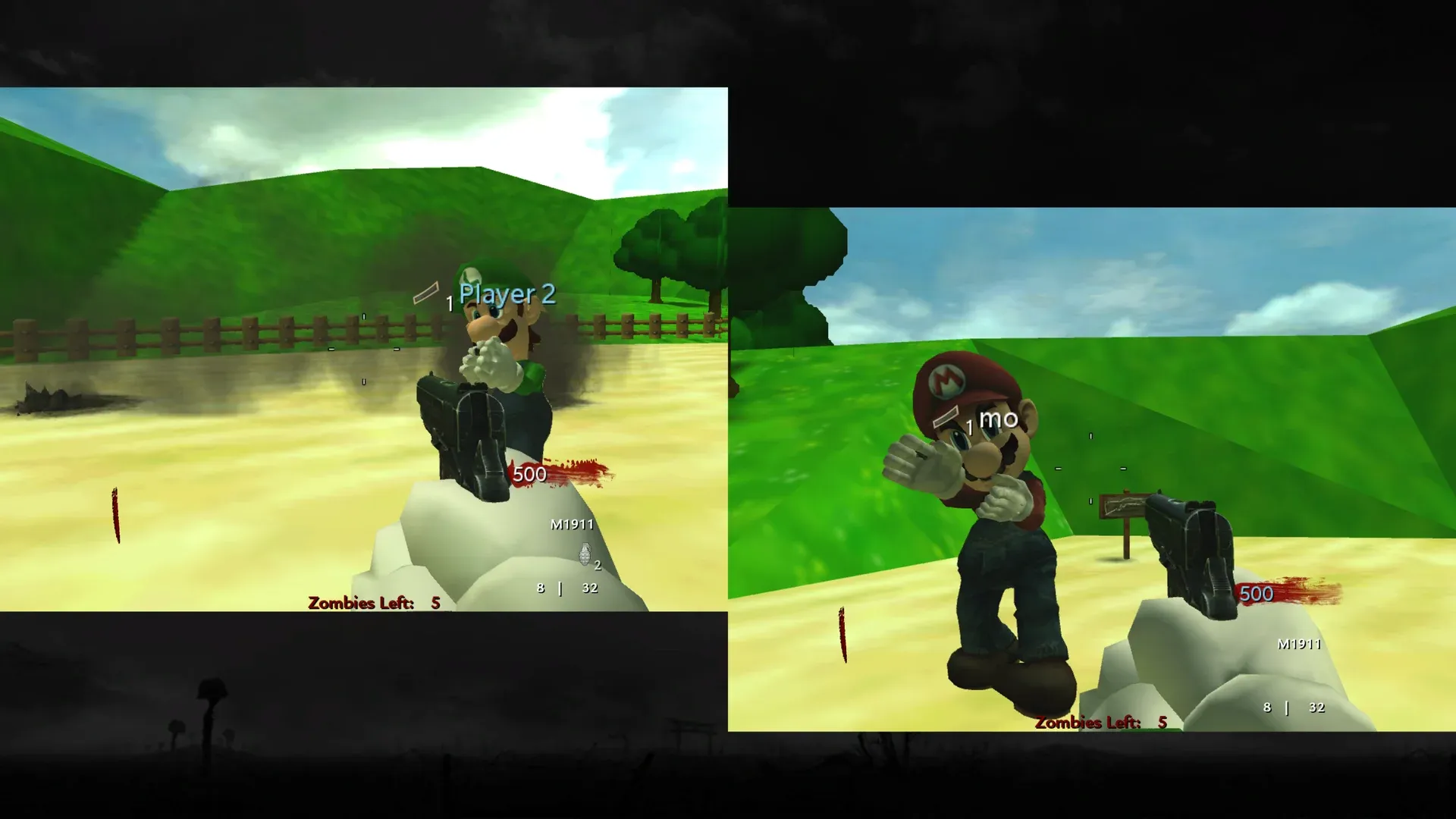
World at War Custom Zombie Maps
This package contains the CoD Xe fastfiles needed to play six custom zombie maps in Call of Duty: World at War.
Known Issues
Section titled “Known Issues”- Some map sounds are currently missing.
- The custom maps do not currently have loading screens.
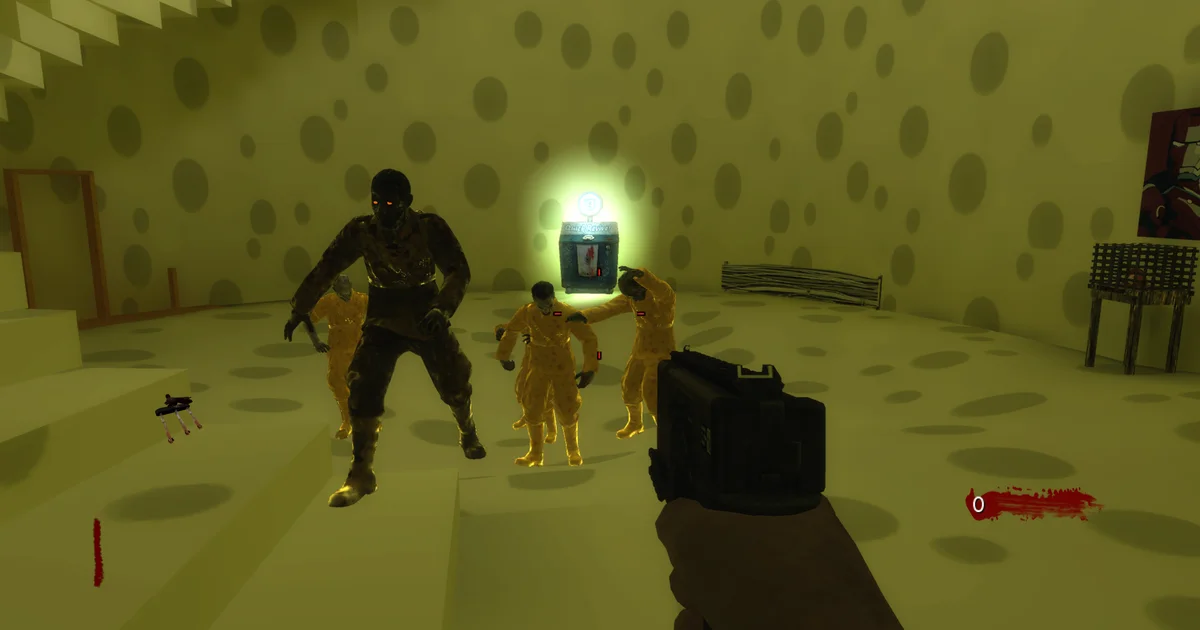
Included Custom Zombie Maps
Section titled “Included Custom Zombie Maps”- Mario (
mario) - Aztec (
nazi_zombie_aztec) - Cheese Cube (
nazi_zombie_ccube_u) - Halloween (
nazi_zombie_halloween) - Hijacked (
nazi_zombie_hijacked) - SpongeBob (
spongebob)
What You Need
Section titled “What You Need”- A genuine USA / Europe copy of Call of Duty: World at War
- Call of Duty: World at War TU7
- The latest CoD Xe plugin
Prepare a clean game folder and install CoD Xe before continuing:
Prepare game filesUse clean, unmodified game files.
Install World at War TU7Download TU7 and install it for your platform.
Xbox 360Install CoD Xe on an Xbox 360.
XeniaInstall CoD Xe on Xenia Canary.
Download and Install
Section titled “Download and Install”Download CoD Xe T4 Fastfiles v0.1.0
- Extract the
.zip. - Open the extracted
codxe-t4-fastfiles-v0.1.0folder. - Copy its
_codxefolder into your World at War game folder and allow it to merge with your existing_codxefolder.
Do not delete or replace your existing _codxe folder.
When installed correctly, the relevant files should look like this:
Directory
Call of Duty - World at WarDirectory_codxe
Directoryzone
- patch.ff
- patch_ui.ff
Directoryusermaps
Directorymario
- mario.ff
Directorynazi_zombie_aztec
- nazi_zombie_aztec.ff
Directorynazi_zombie_ccube_u
- nazi_zombie_ccube_u.ff
- …
- default_mp.xex
- …
Split Screen
Section titled “Split Screen”All six included maps support local Split Screen.